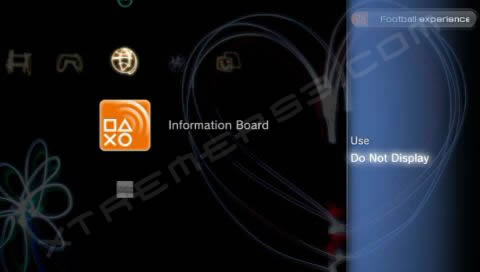
The Information Board is available on firmware 2.00 or higher. To turn it off, go to [Network] > [Information Board] and press  . Select [Do Not Display] to hide the information board. To re-enable it, simply press
  on the [Information Board] icon.
The [Information Board] has been removed since Firmware 3.00 and has been replaced with a permanent ticker under the clock.